
Back-office automation, powered by microtasking
MPS IntelliVectorPaper and scanned documents still feed most back offices. Reading them by hand is slow and costly, and it exposes the record.
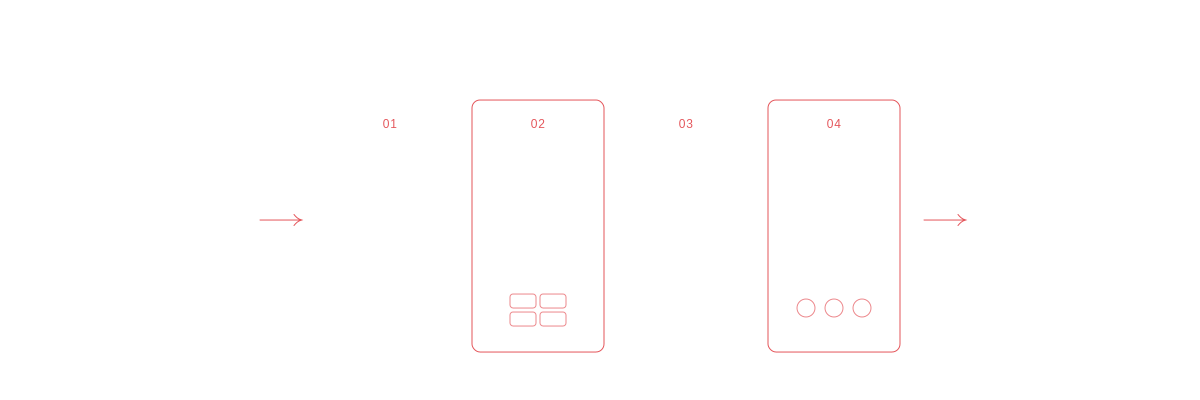
MPS IntelliVector combines automated recognition with validation in single-field fragments, so cost, accuracy and confidentiality are not traded against each other.

IntelliVector automates as much of the work as the documents allow, and sends a person only the fields it cannot settle, each as a microtask. How that keeps the record confidential is set out below.
MPS IntelliVector highlights
Solutions based on MPS IntelliVector
Use cases
Nine processes, in the shape the work takes
Insurance, know your customer, applications, lockbox, trade and shipping documents, cheques, questionnaires, official forms and redaction.
Cheque processing
Read the fields on a cheque, printed or handwritten
Every field on a cheque, printed or handwritten, read and checked.
How confidentiality works
By designIntelliVector cuts each document into individual field images — a name, part of an address, a few digits — and it is those images, not the document, that go out for validation.

A validator sees one fragment at a time, stripped of the form it came from and of every other field on it. There is nothing in the task to identify whose record it is, and nothing to reassemble it from. The full document image never leaves your environment; reassembly happens on your side, against your systems.
That is what makes the manual step outsourceable. The work can move to wherever cost, capacity or time zone favours it, across as many geographies as you need, without the document moving at all, and without any validator, in house or outsourced, seeing a complete record.
Where a field must not be seen even as a fragment, IntelliVector can redact it before any human is involved: card numbers, MICR codelines, account and routing numbers, national ID and passport numbers, addresses — located by position, pattern, anchor or surrounding context.
Redaction
In use todayThe same location methods run on whole archives: card numbers, IDs and account numbers found and masked across a FileNet archive and on every new document, to cut PCI DSS and data-protection scope. Sensitive-data redaction.
Available as a module
AIAI is offered as a module inside the IntelliVector pipeline, as part of the service with the product. It augments the deterministic pipeline; it does not replace it.
The model is your choice: your own approved model, hosted locally, or a compatible mainstream provider, as your data rules allow. The document stays on your site. A person settles the exceptions, with approval points and an audit trail around the critical steps.
- Semantic classification beside the static rules, so a document class with no template yet is still routed.
- Extraction of fields the rule set does not know, with the same double read and comparison.
- On a low-confidence field, the model proposes the reading and a validator approves or corrects it.
- Anomaly checks on a batch before export: a field that does not match the class, a duplicate, a missing page.
What IntelliVector does
- Classification. Documents sorted by visual characteristics or business rules.
- Recognition. Machine print (OCR), handwriting (ICR), checkboxes (OMR) and barcodes, with IBM Datacap as the recognition engine.
- Rule checks. Every reading checked against your business rules and record systems, straight through where the checks pass.
- Microtask validation. Where a person still has to check a field, the engine’s reading and the validator’s are compared; 1–2% reach a supervisor.
- Templates. Business users add new document and form templates while the system runs.
- Export. Business-ready data delivered into ECM systems, databases and business systems through built-in connectors.

Where the effort actually goes
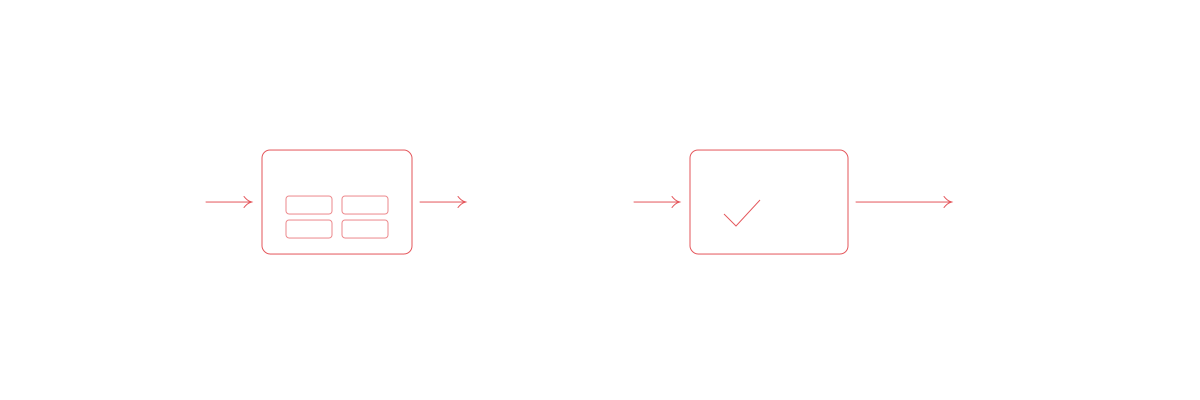
Transaction processingSplit a transaction process by the people it takes, and the reading is the small part. Most of the cost sits after it, in scrutiny.
- 5%
- receiving and scanning the transaction
- 30%
- classifying, recognising, extracting, validating, and handling exceptions
- 65%
- document and transaction scrutiny — anti-money laundering, sanctions screening and the rest
Operations teams are usually organised by product — remittance experts, lockbox experts, DDA experts, trade experts, each pool holding its own domain knowledge. IntelliVector breaks the work into tasks that need no domain knowledge to do, so one expert per line handles exceptions and common task processors handle the rest. In the deployment the figure comes from, that is 46% of the original headcount.
Demonstration
Published May 2015.